
9 Best CMMS software in 2026: A comparison guide
In this post
%20(1).avif)
.avif)
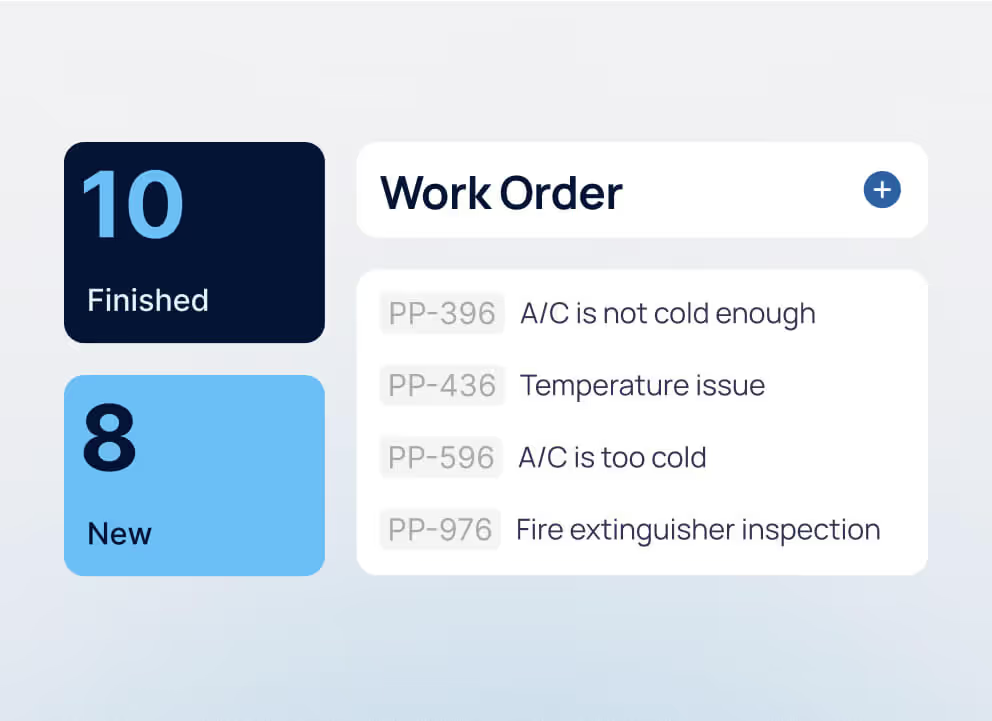

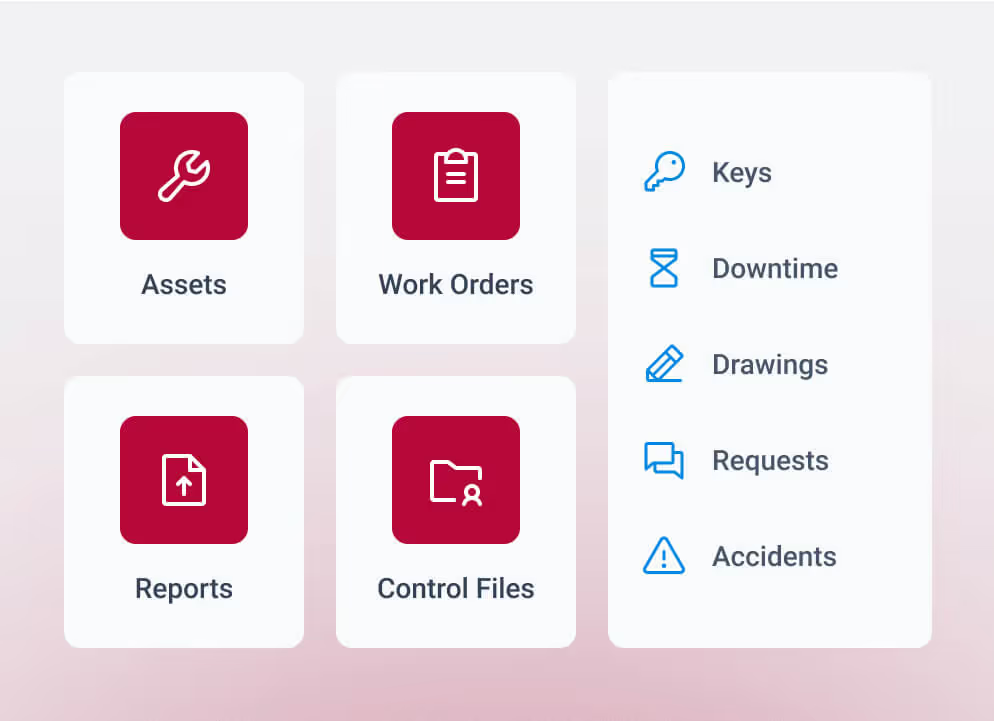



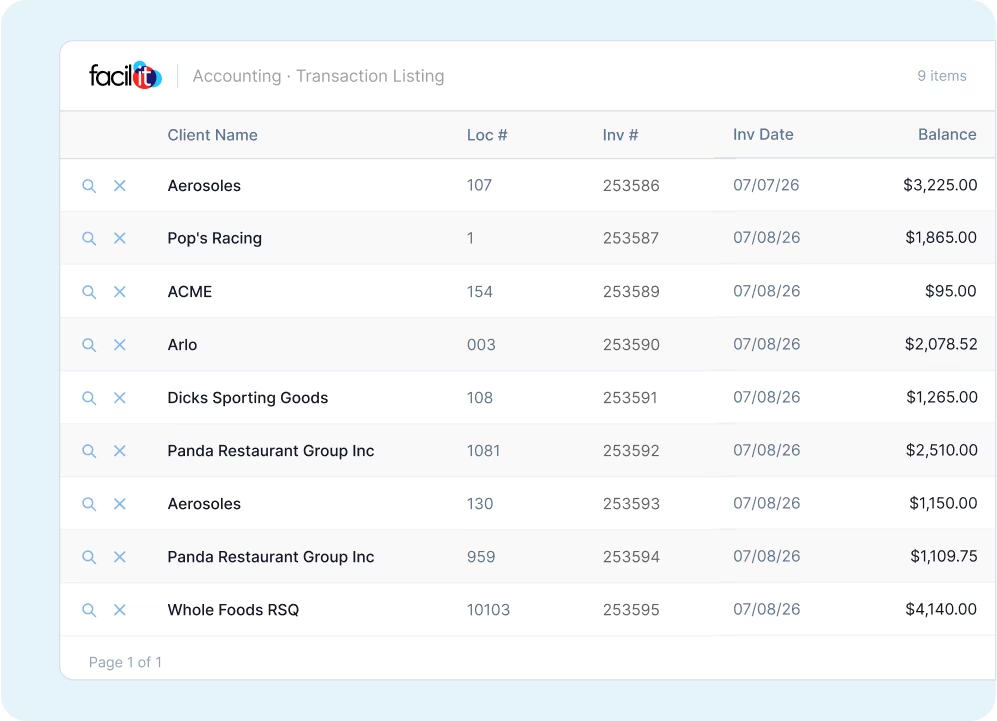

Maintenance teams are being asked to keep more assets running with tighter budgets, leaner teams, and higher expectations for uptime and compliance. A good CMMS software can make that easier by bringing work orders, preventive maintenance, asset data, and reporting into one system.
Organizations are investing accordingly. The global CMMS market is projected to grow from $1.62 billion in 2026 to $3.82 billion by 2034, according to Fortune Business Insights, as organizations increasingly adopt data-driven maintenance strategies to improve uptime and asset performance.
But the best CMMS software depends on your industry, operational complexity, and team needs. Education facilities may prioritize preventive maintenance and visibility across multiple buildings or campuses, healthcare organizations may need robust compliance reporting and asset tracking, and manufacturers may focus on equipment uptime and reducing unplanned downtime. Team size and structure matter, too: smaller operations may prioritize simplicity and fast adoption, while large or multi-site organizations often need deeper configurability, integrations, reporting, and customer support.
This guide compares nine of the best CMMS platforms in 2026, including their ideal use cases, strengths, ratings, and pricing models, so you can find the right fit for your operation.
What is a computerized maintenance management system (CMMS)?
A CMMS, or computerized maintenance management system, is software that helps organizations plan, manage, and track maintenance work while keeping asset information in a centralized system. It gives maintenance and facilities teams a single place to create and assign work orders, schedule preventive maintenance, maintain asset histories, manage parts and inventory, and track maintenance performance.
By replacing spreadsheets, paper records, and disconnected processes with centralized maintenance data, a CMMS gives teams greater visibility into what needs attention, what work has been completed, and how assets are performing.
Benefits of CMMS software
The benefits of CMMS can include:
- Less unplanned downtime: Preventive maintenance schedules help teams address maintenance needs before they become unexpected failures.
- Longer asset life: Maintenance histories and asset data help teams make more informed decisions about servicing, repairing, and replacing equipment.
- More efficient maintenance workflows: Work orders, scheduling, technician assignments, and maintenance records can be managed from one system.
- Better visibility and reporting: Centralized data makes it easier to monitor maintenance performance, costs, asset condition, and other KPIs.
- Improved compliance documentation: Maintenance, inspection, and service records provide a documented history that can support audits and regulatory requirements.
These benefits become increasingly important as maintenance operations grow more complex. According to Fortune Business Insights, large enterprises account for approximately 56% of the global CMMS market, driven by extensive asset portfolios and advanced maintenance requirements.
CMMS vs. EAM: What’s the difference?
When comparing CMMS vs. EAM, the primary difference is scope. A CMMS focuses primarily on maintenance execution and asset reliability, including work orders, preventive maintenance, inspections, and maintenance records.
Enterprise asset management (EAM) software takes a broader view, managing assets throughout their lifecycle and supporting areas such as long-term asset planning, performance, costs, and optimization across departments or locations. The two categories increasingly overlap, and some platforms, including WebTMA, provide both CMMS and EAM capabilities for organizations with more complex asset and facility management needs.
How we evaluated the best CMMS software
Every organization evaluates tools differently, but consistency matters when comparing systems that manage thousands of assets and tasks. This guide draws from decades of field experience and verified customer feedback to assess each platform across four core areas:
- Client reviews and ratings: Verified user insights on performance, usability, and support.
- Industry fit: How well each system aligns with the needs of education, healthcare, manufacturing, and other sectors.
- Features and flexibility: The breadth of capabilities, including preventive maintenance scheduling, integrations, and mobile access.
- Support and partnership: Responsiveness, training, and long-term service quality that sustain ongoing success.
Each category reflects what maintenance leaders value most—dependable tools, transparent reporting, and a support team that understands operational realities. The right CMMS should not only meet your maintenance needs today, but also provide the flexibility and support to keep up as those needs change.
Based on these criteria, here are the leading CMMS platforms to consider in 2026.
Top CMMS software in 2026
Every facility operates differently. The strongest CMMS platforms of 2026 deliver flexibility, reliability, and visibility across industries and company sizes. Each option listed below ranks among the top-rated systems on Capterra, a trusted review platform used by maintenance and operations leaders to evaluate software performance and user satisfaction.
1. TMA Systems
TMA Systems delivers configurable CMMS solutions built to adapt to each organization’s structure and scale. With more than 30 years of experience, TMA supports education, healthcare, manufacturing, and multi-site operations through software that’s easy to configure, reliable in the field, and backed by one of the most experienced support teams in the industry.
WebTMA
WebTMA is a configurable CMMS and EAM platform designed for organizations with complex facilities, assets, and maintenance operations. Beyond core maintenance capabilities such as work orders, preventive maintenance, inspections, and asset tracking, it offers advanced tools for capital planning, project and contract management, materials, space, fleet, utilities, analytics, and more. Organizations can configure the CMMS/EAM platform around their workflows and expand capabilities as their operational needs evolve.
Best for: Complex, multi-site facilities and asset operations that need a highly configurable CMMS/EAM. WebTMA has extensive experience supporting these environments across higher education, community colleges, K-12, healthcare, manufacturing, government, and other industries.
Capterra rating: 4.7/5
What users say: “WebTMA keeps our operations running at full strength. It handles everything—from emergency responses and maintenance tracking to procurement and project management. It’s the most powerful tool in our facilities toolkit, and we couldn’t operate effectively without it.” — Adam R., Managing Director for Facilities, Higher Education

MEX
MEX is a technician-first CMMS built for industrial maintenance teams that manage complex equipment, parts, safety inspections, and field work. It combines work orders and preventive maintenance with flexible asset hierarchies, inventory management, pre-start inspections, mobile and offline workflows, and AI-powered scheduling and reporting. Its streamlined interface is designed to make the system easier for technicians to use consistently, helping teams capture more reliable maintenance data and reduce administrative work.
Best for: Mid-market industrial organizations with equipment-centric maintenance operations, particularly discrete manufacturing, food and beverage processing, energy and renewables, and industrial field services. MEX is especially well suited for teams managing fixed and mobile assets, parts and inventory, safety inspections, or maintenance work in low-connectivity environments.
Capterra rating: 4.3/5
What users say: “MEX is by far one of the best CMMS I've used so far in my career. Its functionality makes it an easy system to implement, which in turn gives ease of use to the end user (maintenance trades).” — Philip M., Maintenance Manager, Food & Beverages
HEMS
HEMS is a healthcare-focused CMMS designed for healthcare technology management (HTM) teams. It centralizes medical equipment maintenance, work orders, compliance documentation, inventory, reporting, and capital planning, with specialized capabilities for equipment pools, recalls, data governance, and healthcare-specific workflows.
Best for: Hospitals and healthcare organizations that need a specialized CMMS for managing medical equipment and HTM operations, particularly teams with complex compliance, reporting, inventory, and capital planning requirements.
2. Accruent Maintenance Connection
Accruent Maintenance Connection is a cloud-based CMMS that supports asset-intensive organizations with large maintenance teams and distributed operations. The platform offers preventive maintenance scheduling, inventory management, asset tracking, and detailed reporting features. It’s designed to centralize work order management and equipment data, helping teams standardize processes and maintain visibility across facilities. Maintenance Connection also integrates with enterprise systems to support data flow between departments and improve asset lifecycle planning.
Best for: Enterprise and mid-sized organizations in corporate real estate, utilities, and energy sectors that need centralized maintenance control, asset visibility, and structured workflows.
Capterra rating: 4.6/5
What users say: “Great webservice for project management and control. Easy to understand and meet all needs.” — Verified User
3. Brightly TheWorxHub
TheWorxHub is a cloud-based CMMS from Siemens, following its acquisition of Brightly Software in 2022 and Brightly’s transition to the Siemens brand in 2026. The platform helps organizations manage maintenance, assets, and operations from one centralized system, with tools for work order tracking, preventive maintenance scheduling, asset management, and reporting. TheWorxHub serves organizations across education, healthcare, government, and senior living.
Best for: K-12 education, government, and senior living organizations that need centralized maintenance management and asset tracking for multiple locations.
Capterra rating: 4.7/5
What users say: “Great product. Exact product for nursing homes.” — Verified User
4. eMaint CMMS
eMaint CMMS is a cloud-based maintenance management platform to help teams plan, schedule, and track maintenance work across assets and locations. It offers preventive maintenance tools, configurable dashboards, asset hierarchies, and reporting features to support reliability and efficiency. eMaint serves a wide range of industries, including manufacturing, utilities, and facilities management, with options for integration and customization to match specific operational workflows.
Best for: Mid-sized to large organizations in manufacturing and utilities seeking a configurable maintenance platform with advanced scheduling, reporting, and asset tracking capabilities.
Capterra rating: 4.5/5
What users say: “Excellent and flexible CMMS system.” — Verified user
5. Fiix
Fiix is a cloud-based CMMS that helps maintenance teams organize work orders, manage assets, and analyze performance data in one system. It combines preventive maintenance, inventory control, and reporting capabilities with integrations that connect maintenance operations to other business systems. Fiix also offers a mobile app for technicians, making it easier to manage tasks and update records in real time.
Best for: Maintenance teams in manufacturing and production environments that need a user-friendly platform with mobile access, material tracking, and detailed reporting.
Capterra rating: 4.5/5
What users say: “Our Fiix implementation has been excellent.” — Verified user
6. IBM Maximo
IBM Maximo is an enterprise asset management and CMMS platform designed for large organizations managing extensive operations and infrastructure. It supports asset tracking, preventive maintenance, inventory control, and performance monitoring within a single environment. Maximo is built to handle high data volumes and integrates with a range of enterprise applications, enabling better insight into maintenance costs, equipment health, and operational efficiency.
Best for: Large enterprises with complex asset networks and cross-departmental maintenance needs—particularly in transportation, utilities, and other infrastructure-heavy industries that require deep integration and advanced data management.
Capterra rating: 4.2/5
What users say: “Good customization capabilities.” — Verified user
7. Limble CMMS
Limble CMMS is a cloud-based maintenance management platform built to simplify asset tracking, work order management, and preventive maintenance. It’s known for its intuitive interface, fast deployment, and flexibility across industries. Limble supports both desktop and mobile access, allowing technicians to manage tasks and update records directly from the field. The platform also includes reporting tools, integrations, and automation options to help maintenance teams improve efficiency and response times.
Best for: SMBs across manufacturing, hospitality, and property management, seeking a user-friendly CMMS that combines quick implementation, mobile functionality, and reliable customer support.
Capterra rating: 4.2/5
What users say: “Very user friendly and customizable to our needs.” — Verified user.
8. MaintainX
MaintainX is a mobile-first CMMS that focuses on work order management, asset tracking, and team communication. It’s designed to help maintenance teams collaborate in real time and stay organized across facilities. The platform offers preventive maintenance scheduling, digital checklists, and reporting tools that help track performance and compliance. MaintainX is accessible across devices, making it easy for field technicians and managers to stay aligned on priorities and progress.
Best for: Frontline maintenance teams in logistics, construction, and field service that need an intuitive, mobile-focused CMMS to improve communication, compliance, and maintenance management on the go.
Capterra rating: 4.8/5
What users say: “MaintainX for food manufacturing” — Verified user
9. UpKeep
UpKeep is a cloud-based CMMS that helps maintenance teams manage work orders, assets, and inspections through a simple, mobile-friendly platform. It provides tools for preventive maintenance, task scheduling, and reporting, helping teams stay organized and minimize downtime. UpKeep’s intuitive interface and accessible mobile app make it easy for technicians and managers to track work progress, update records, and communicate in real time.
Best for: Small to mid-sized organizations that need a mobile-first CMMS to simplify daily maintenance tasks, enable fast onboarding, and provide responsive customer support.
Capterra rating: 4.6/5
What users say: “Excellent tool for technology company that needs affordable CMMS” — Verified user
Each of these CMMS solutions offers specific strengths depending on organizational size, industry, and operational complexity. The following comparison table summarizes how they differ in key categories such as ratings, pricing models, and core capabilities.
CMMS software comparison table
Use this table to compare industries served, real-world ratings, pricing, and core strengths at a glance.
When TMA Systems is the right CMMS provider for your organization
TMA Systems offers CMMS and EAM solutions for a range of maintenance environments, from complex multi-site facilities to industrial operations and healthcare technology management. With WebTMA, MEX, HEMS, and Facil-IT, organizations can choose a solution that aligns with their industry, operational complexity, and maintenance needs.
- Education: Coordinate maintenance across higher education campuses, community colleges, and K-12 schoolsCoordinate maintenance across multiple campuses with CMMS for education.
- Healthcare: Manage facility and medical equipment maintenance, support compliance, and maintain audit-ready records Track assets and maintain audit readiness with CMMS for healthcare.
- Manufacturing: Reduce equipment downtime and improve maintenance efficiency across food and beverage, industrial manufacturing, and other production environmentsReduce downtime and improve throughput with CMMS for manufacturing.
More than software, TMA Systems offers a long-term partnership. Our team provides dedicated support, system optimization, and continuous improvement guidance to help organizations adapt their CMMS as their operations and maintenance needs evolve.
How to choose a CMMS that fits your operation
Selecting a CMMS follows a clear process: define your goals, shortlist vendors, evaluate features, and test usability. Focus on how each platform aligns with your maintenance strategy and team structure. A strong evaluation process looks at system fit, not just feature lists—helping your organization deploy faster and achieve measurable results.
Ask these questions before choosing a CMMS
Selecting a CMMS is a long-term investment that shapes how your maintenance teams operate, report, and scale. The right questions reveal whether a system can handle your day-to-day realities and future growth. Use the following prompts to assess each platform’s fit for your organization.
- How complex are your maintenance operations?
Start with scope. Count the number of facilities, assets, and technicians you manage. Complexity increases with every additional location, compliance requirement, and data source. A platform designed for enterprise-level operations will differ from one built for smaller teams.
- Does this software integrate with your ERP or IoT systems?
Integration determines how well your CMMS connects to the rest of your technology stack. Systems that link with ERP, HR, and IoT tools reduce duplication, create a unified data flow, and give leadership a complete view of maintenance performance.
- What level of configuration do you need?
Each organization structures maintenance differently. A configurable system lets you customize workflows, naming conventions, and approval processes without relying on custom code or outside development.
- What support do you expect after implementation?
Reliable support keeps your system aligned with changing needs. Ask about training options, system optimization, and long-term customer success programs. The best providers act as partners who stay engaged as your operations evolve.
- How will you measure success in 6–12 months?
Define metrics before launch. Track uptime, work order completion rates, preventive maintenance compliance, and user adoption. Measurable outcomes help justify investment and guide future improvements.
These questions frame productive discussions with vendors and internal stakeholders. They also help your team prioritize function over flash, focusing on what will actually improve maintenance reliability and operational visibility.
What reporting and asset management capabilities should a CMMS include?
A modern CMMS should give teams a clear view of work orders, maintenance history, maintenance costs, asset performance, and asset reliability. Bringing this information together helps maintenance teams understand what is happening across their operation, identify recurring problems, and make better decisions about where to spend time and resources.
Key CMMS capabilities to look for include:
- Reporting and analytics: Configurable CMMS dashboards and reports should turn maintenance data into useful insights. Teams should be able to track KPIs, analyze maintenance history and costs, identify trends, and use that information for budgeting, compliance, and capital planning.
- Asset and work order management: A CMMS should centralize asset records and connect them with work order management, inspections, preventive maintenance, and automated work order scheduling. This creates a more complete maintenance history for each asset and helps teams plan work before small issues become larger problems.
- Inventory management: Integrated CMMS inventory management should connect parts and materials with assets and work orders. This helps teams keep critical parts available, track usage, and understand how labor and materials contribute to overall maintenance costs.
- Mobile CMMS access and integrations: Mobile and offline capabilities give technicians access to work orders, asset information, inspections, and maintenance history wherever work happens. A CMMS should also integrate with ERP, financial, building, and other business systems to reduce duplicate data entry and improve visibility across operations.
- AI and automation: AI-powered scheduling, reporting, troubleshooting, notifications, and workflow automation can reduce repetitive administrative work and help teams prioritize maintenance more effectively. Over time, these AI CMMS capabilities can support more proactive maintenance and stronger asset reliability.
Ultimately, the right CMMS should do more than store maintenance data. It should help teams use that data to control costs, improve asset performance, reduce manual work, and make better maintenance decisions.
Choosing a CMMS that fits your operation
The best CMMS software depends on your organization’s scale, structure, and goals. A small facility may prioritize simplicity and mobile access, while a multi-site enterprise needs configurability, compliance tracking, and data-driven visibility. The right platform aligns with how your team works and supports continuous improvement—not extra complexity.
TMA Systems stands out for its flexibility, reliability, and service-driven approach. Its platforms adapt to the operational realities of maintenance professionals across industries, helping teams increase uptime, reduce risk, and make better decisions backed by accurate data.
Explore TMA’s solutions to see how the right CMMS partner can strengthen performance across your organization.
FAQs about the best CMMS software
Related resources
From ideas to impact
You’ve read the insights, now see how TMA Systems helps teams put them into practice.