
8 Best CMMS for higher education in 2026 (Comparison guide)
In this post
%20(1).avif)
.avif)
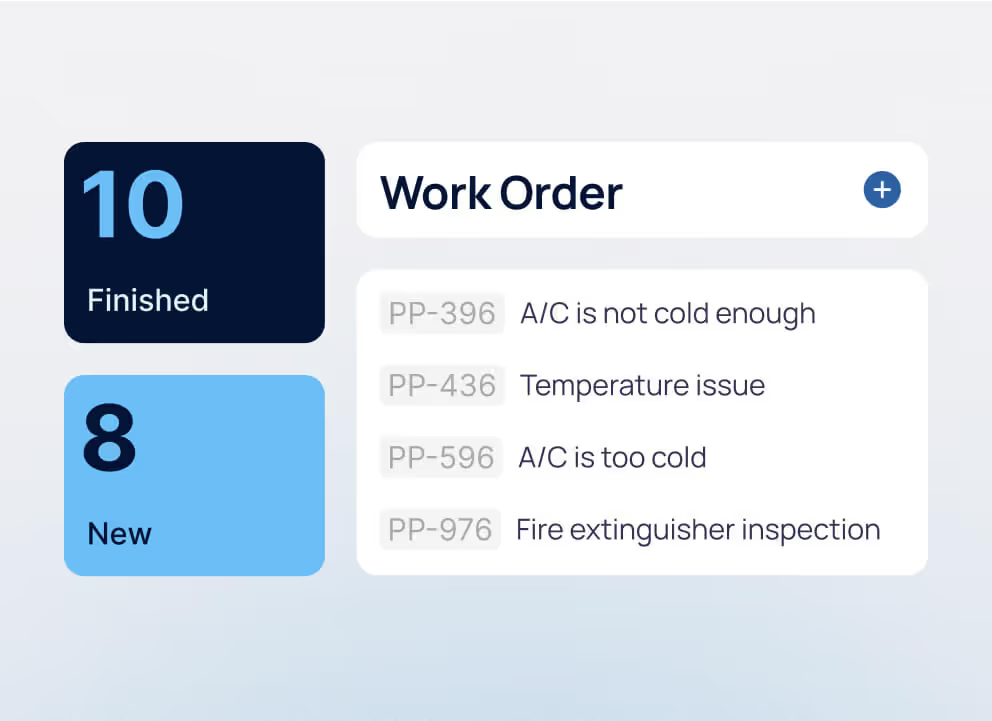

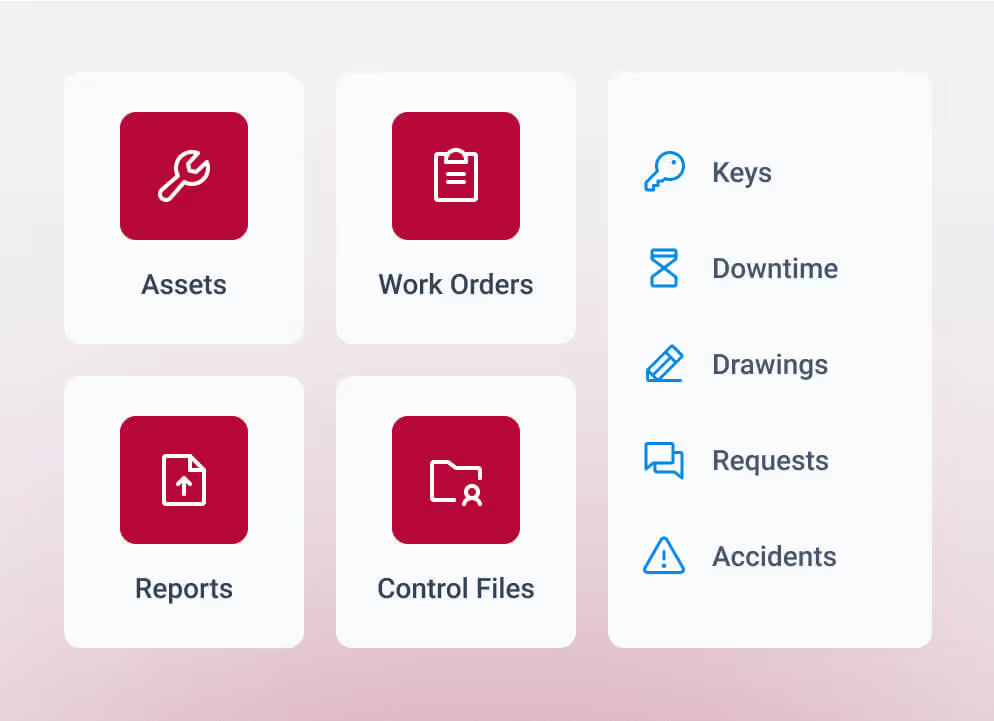

Universities searching for the best CMMS for higher education are usually dealing with growing maintenance backlogs, limited visibility across multiple campuses, and pressure to justify every dollar spent on facilities. When work orders live in emails or spreadsheets and asset data is scattered, decisions slow down, and problems get missed. A structured CMMS (Computerized Maintenance Management Systems) software platform brings maintenance, assets, and reporting into one place so teams can keep up with daily operations and long-term planning.
This guide is for facilities leaders, operations teams, and IT stakeholders evaluating university facilities management software that aligns with how their campuses actually operate. It focuses on helping you compare systems, understand tradeoffs, and choose a platform that supports your operations today and scales with you over time. Before comparing options, it helps to clarify what a CMMS looks like in a higher education environment.
What is a CMMS for higher education?
A CMMS for higher education provides facilities teams with a single place to manage maintenance work, track assets across campus, and report on performance. Universities rely on it to organize daily operations across school facilities, including academic buildings, housing, and infrastructure systems such as HVAC systems. When teams have a clear system for handling work order management and documenting routine service, the data becomes far more useful for planning, reporting, and oversight.
In a campus environment, a CMMS typically supports:
- Centralized work requests, assignments, and completion tracking across departments and maintenance technicians
- Scheduled preventive maintenance tied to asset condition, usage, energy use, and compliance requirements
- Asset tracking across buildings, systems, and equipment with full service history
- Mobile access for technicians working across residence halls, academic buildings, athletic facilities, and central plants
- Reporting that helps leadership understand backlog, labor demand, costs, and asset performance
With that foundation in place, universities can manage school maintenance with more structure and fewer gaps in visibility. That usually leads to a practical question: what pushes a campus team to start looking for a new system?
Why universities start looking for a new CMMS
Most universities do not shop for new software unless the current setup is already causing problems. The warning signs usually appear in day-to-day work long before they appear in a project plan.
- Work orders pile up faster than maintenance technicians can close them
- Multiple university campuses or buildings operate without shared visibility
- Compliance tracking becomes harder to manage during regulatory inspections or audits tied to safety plans
- Leadership asks for reports that take too long to pull together
- Teams rely on spreadsheets, email, or legacy tools that no longer reflect real work in the field
Once these issues start affecting response time, reporting, or planning, the system stops supporting daily operations. That is often when universities begin looking for a platform that can handle both maintenance execution and long-term asset tracking.
Choosing between CMMS and EAM for a university
As campus needs grow, the discussion often shifts from maintenance software to long-term asset planning. A basic CMMS handles daily work well, but large universities often need stronger visibility into asset cost, replacement timing, and capital decisions. That is where understanding CMMS vs enterprise asset management software becomes important.
Here is the practical difference:
- CMMS: Focuses on daily maintenance work such as service requests, work orders, inspections, and preventive schedules
- EAM: Extends into asset lifecycle tracking, capital planning, budgeting, and long-term performance analysis through enterprise asset management software
- Best fit for many universities: A platform that can support both maintenance execution and long-range asset planning, especially for multi-campus institutions evaluating the best enterprise asset management software alongside CMMS options
For some schools, a CMMS is enough. For larger or more complex institutions, the better fit often includes both maintenance and asset lifecycle capabilities. That gives us a clearer way to evaluate which systems actually fit higher education operations.

How we evaluated the best CMMS for higher education
Choosing a CMMS for a university comes down to how well it supports daily operations across campus, not how it looks in a demo. This guide is based on how facilities teams actually run maintenance in higher education environments, including multi-campus coordination, compliance requirements, and long-term asset planning. The criteria below reflect what matters once the system is in use, not during a sales presentation. For more context on how these systems apply in campus environments, teams often look at how CMMS for education supports real facility workflows.
We evaluated each platform based on:
- Operational fit for campus environments: Ability to handle multiple campuses, buildings, departments, and asset types without creating gaps in visibility
- Work order and maintenance workflows: How clearly the system supports request intake, assignment, completion tracking, and backlog management
- Asset structure and lifecycle tracking: Depth of asset records, service history, and support for long-term planning across facilities
- Reporting and leadership visibility: Access to reliable data for compliance, budgeting, and capital planning decisions
- Technician usability and adoption: Ease of use in the field, including mobile access and how consistently teams document work
- Implementation and long-term support: Effort required to deploy, migrate data, and maintain the system over time
These criteria create a consistent way to compare platforms based on real operational demands. The next section puts that framework into a side-by-side comparison so you can quickly see how each option stacks up.
Best CMMS for higher education: Comparison table
Universities evaluating CMMS platforms often need to balance daily maintenance needs with reporting, compliance, and long-term asset planning. Some campuses prioritize ease of use and fast rollout, while others need deeper reporting, integrations, and enterprise asset management capabilities.
The table below gives facilities teams, IT stakeholders, and leadership a quick way to compare major CMMS and EAM platforms used in higher education.
8 Best CMMS for higher education in 2026
Universities vary widely in size, structure, and operational demands, so the right CMMS depends on how your campus actually runs. The platforms below reflect different approaches to maintenance management, asset tracking, and reporting across higher education environments. Pay attention to how each system handles real campus scenarios such as residence hall work orders, lab equipment tracking, athletic facility maintenance, and central plant operations.
1. WebTMA
WebTMA is a configurable CMMS and enterprise asset management platform built for large campuses with complex facilities, multiple departments, and formal reporting requirements. It is often used across academic buildings, housing, utilities, and research environments, where maintenance activities are directly tied to compliance and capital planning.
Best for: Large universities, multi-campus systems, and institutions that need structured workflows, audit documentation, and asset lifecycle tracking tied to budgeting and planning.
Pricing: Configurable based on modules, users, and deployment scope, with costs typically influenced by campus size, number of assets, and integration requirements.
Client review: “The level of customer service provided by TMA far exceeds any other software vendor I have experience with. The functionality of the product has allowed us to expand the usage of the software beyond the original intended use to multiple departments, leading to better integration.” — Gartner Review
2. MEX CMMS
MEX CMMS is a technician-focused platform designed for teams that need fast adoption and straightforward workflows. It works well in environments such as residence halls, classroom buildings, and athletics where teams handle a high volume of daily service requests.
Best for: Mid-size universities and campus teams that need consistent work tracking, reliable labor data, and mobile access for technicians working across buildings.
Pricing: Tiered subscription designed for quick rollout, with costs tied to user count and feature access.
Client review: “It was so easy to set up, it was all a SaaS solution, so minimal interaction, just did the SSO for ease of authentication, and the rest just works. Users are happy and have had no issues so far.” — Gartner Review
IBM Maximo
IBM Maximo is an enterprise asset management platform used in environments with complex infrastructure, such as central plants, utilities, and research facilities. It is often part of a broader IT ecosystem where maintenance data connects to finance, procurement, and asset planning systems.
Best for: Large universities with dedicated IT support, complex asset portfolios, and the need to manage long-term asset performance alongside maintenance operations.
Pricing: Enterprise pricing based on deployment scale, integrations, and configuration requirements. Implementation effort and ongoing system management should be factored into the total cost.
Client review: “It was nice using the Maximo Application Suite. It has always helped me a lot with asset management and maintenance operations, and it honestly feels like a system made for serious, large-scale environments. If it’s configured properly, it works really great.” — Gartner Review
For teams evaluating enterprise-level systems, reviewing options alongside IBM Maximo alternatives can help clarify how complexity, support, and long-term ownership affect system performance.
4. Accruent Maintenance Connection
Maintenance Connection focuses on organizing maintenance activity across facilities, including work orders, inspections, and asset tracking. It is commonly used in campus environments where teams need a centralized system without extensive customization.
Best for: Universities managing multiple buildings that need consistent tracking of service requests, inspections, and asset history across departments.
Pricing: Subscription-based, with costs influenced by configuration and number of users.
Client review: “Accruent Maintenance Connection has been a huge help as a platform that has supported our work order tracking library, operation maintenance, inventory oversight management, and asset management of our critical distribution equipment portfolio.” — Gartner Review
5. Brightly Asset Essentials
Brightly Asset Essentials connects maintenance work with asset condition data, which can support capital planning discussions. It is often used where facilities teams need to communicate asset condition and maintenance needs to leadership.
Best for: Universities focused on linking maintenance activity to budgeting decisions, particularly in environments with aging infrastructure or deferred maintenance.
Pricing: Tiered pricing based on features and organization size.
Client review: “Works well to manage assets, for preventative maintenance, and repair work orders.” — Gartner Review
6. eMaint CMMS
eMaint provides configurable workflows, preventive maintenance tracking, and compliance documentation. It is often used in environments where inspections and documentation are tied to regulatory requirements, such as safety checks or equipment certifications.
Best for: Universities that need structured records for inspections, compliance reporting, and asset history across regulated environments.
Pricing: Tiered subscription with additional cost considerations for configuration and integrations.
Client review: “Good software, user-friendly, very good support. Configurations and such are very good to help end users be efficient and save time.” — Gartner Review
7. Limble CMMS
Limble focuses on usability and preventive maintenance scheduling. It is often adopted in smaller campus environments where teams want a system that is easy to learn and quick to deploy.
Best for: Smaller to mid-size universities that need a clear way to track work orders, maintenance schedules, and technician activity without extensive setup.
Pricing: Subscription pricing based on users and features.
Client review: “Limble's extremely user-friendly with an amazing technical support team. The dashboards provide a visual of asset KPIs, downtime hours, and manpower. Submitting work orders is easy for the team to use with QR code capabilities.” — Gartner Review
8. MaintainX
MaintainX is a mobile-first platform built around work order updates, checklists, and communication. It is often used to replace paper-based processes in facilities such as housing or athletics, where quick updates matter.
Best for: Teams that prioritize mobile workflows and fast response tracking across campus facilities.
Pricing: Freemium model with paid tiers for expanded features and reporting.
Client review: “The staff are great, they are highly responsive and nearly always resolve the issue the day it is reported. The Platform is constantly growing, they are adding more functionality and streamlining processes.” — Gartner Review
Teams comparing mobile-first platforms often review how they stack up against MaintainX alternatives when reporting, asset tracking, and long-term planning become more important.
Each of these platforms handles campus operations differently. The right choice depends on how your university manages work orders, tracks assets, and performance reports. The next section focuses on the features that have the biggest impact once the system is in daily use.
Key features to consider for CMMS for higher education
Features should be evaluated based on their impact on daily facility management, reporting accuracy, and long-term planning. On campus, gaps in workflow or data capture tend to surface quickly, especially across multiple departments and facilities.
Work order and service request management
Work orders are where maintenance performance shows up first. A system should capture requests from across campus, route them to the right team, and track response times against internal service expectations. Strong work order management software uses automated workflows to give teams a clear view of backlog, open requests, and completed work without relying on manual updates. It also helps track how work is split between internal staff and vendors, which affects labor costs and response time.
Facilities teams often look at how the best work order management software handles prioritization, escalation, and status tracking across multiple buildings or campuses. Gaps in this area tend to surface quickly as missed requests, delayed responses, and incomplete reporting.
Preventive maintenance and asset lifecycle management
Preventive maintenance programs depend on accurate schedules and reliable asset data. Systems that support preventive maintenance software help teams plan inspections, recurring tasks, and service intervals based on how equipment is actually used. In higher education, this often includes fire system inspections, ADA-related checks, and maintenance tied to labs, housing, and athletic facilities. More advanced systems also support predictive maintenance, using asset data to anticipate issues before they disrupt operations.
Understanding how platforms handle reactive vs. preventive maintenance helps teams see whether they are reducing emergency work or continuing to operate in a reactive cycle. Many universities also review the best preventive maintenance software options to compare how systems support asset tracking, service history, and long-term planning across campus.
Reporting and capital planning
Reporting should reflect actual maintenance activity, labor hours, and asset condition across buildings and systems. Strong reporting and analytics capabilities give facilities leaders access to data they can use to prioritize capital projects, plan replacements, and explain deferred maintenance to leadership. When labor tracking is inconsistent or asset history is incomplete, reports lose credibility, and funding decisions become harder to support.
Mobile access for technicians
Technicians move between buildings, campuses, and outdoor spaces throughout the day. Mobile accessibility through a dedicated mobile app allows them to receive assignments, update work orders, log labor time, and document issues on-site. Real-time updates from the field improve data accuracy and reduce delays in reporting and follow-up work.
Integrations with campus systems
Maintenance data connects to finance, procurement, housing, and building systems. Without integration, teams re-enter data and manually reconcile reports. IT teams closely examine how the CMMS handles data governance, user permissions, and deployment models, along with whether the system provides a user-friendly interface that supports adoption across departments.
Implementation and training
System performance depends on how it is configured and adopted across teams. Data migration, training, and rollout planning all affect long-term results. Many universities run into issues outlined in enterprise CMMS implementation mistakes, such as incomplete asset data or workflows that are not clearly defined before launch.
Each of these areas shapes how a CMMS performs once it is part of daily operations. The next step is turning these requirements into a clear selection process.
Common challenges in higher education maintenance operations
Most universities deal with the same set of issues, even if the campus size or structure looks different. These challenges tend to build over time and affect daily work, reporting, and long-term planning.
- Multi-campus coordination: Facilities teams often manage multiple campuses, each with its own buildings, systems, and priorities. Without a shared view of work and assets, teams rely on emails, calls, or local tracking methods. That makes it hard to see what is happening across the full operation and where resources should go.
- Deferred maintenance backlog: Backlogs grow when preventive work falls behind or when teams stay focused on urgent requests. Over time, small issues turn into larger repairs that cost more and take longer to resolve. Many universities struggle to keep up with this because they lack clear visibility into asset condition and work history.
- Compliance and inspections: Universities face ongoing inspection requirements tied to safety, accessibility, and regulatory standards. Tracking inspections, documenting results, and following up on corrective work can become inconsistent when systems are not aligned. Gaps in documentation create audit risks.
- Budget constraints and capital planning pressure: Facilities leaders are expected to justify maintenance spend and support capital planning decisions. That requires accurate data on asset performance, repair history, and costs. When reporting is incomplete or scattered, it becomes difficult to build a clear case for funding.
- Disconnected systems across campus: Maintenance teams often work across finance, housing, energy management, and procurement systems that do not share data. This leads to duplicate entries, conflicting information, and extra time spent reconciling reports.
These challenges shape how universities evaluate CMMS platforms. The next step is to turn those problems into a clear decision-making process for selecting the right system.
How to choose the right CMMS for higher education
Selecting a CMMS affects daily maintenance work, reporting, and long-term planning across the university. Facilities, IT, finance, and leadership all rely on the system to deliver accurate data and support operational decisions. A structured approach keeps the process grounded in real campus workflows.
- Define current workflows and service expectations: Document how requests are handled today, including response times, backlog, and how work is assigned across teams or vendors.
- Map assets and facility structure: Review how buildings, systems, and equipment are organized. This affects reporting and long-term planning.
- Clarify reporting and financial requirements: Identify what leadership needs for budgeting, capital planning, and compliance tracking.
- Evaluate systems using real maintenance scenarios: Walk through preventive maintenance, emergency repairs, and reporting tasks. Focus on how the system performs during routine operations.
- Review total cost and internal resources: Consider licensing, implementation, integrations, and ongoing support. Time required from internal teams should be factored into the decision.
Choosing a system is only part of the process. Long-term performance depends on how the system is implemented and maintained.
Implementation considerations for universities
Implementation introduces its own challenges, especially across large or distributed campuses.
- Data migration across campuses: Asset records, maintenance history, and schedules often come from multiple systems. Cleaning that data takes time and affects reporting accuracy after launch.
- Stakeholder alignment: Facilities, IT, and finance teams all interact with the system differently. Clear ownership helps avoid confusion during rollout.
- Phased rollout across buildings or campuses: Rolling out in stages allows teams to adjust workflows and resolve issues before expanding.
- Training across different user groups: Technicians, contractors, and administrative staff require different levels of training based on how they use the system.
- Timeline and resource planning: Implementation timelines vary based on campus size and data quality. Rushed deployments often leave gaps that surface later.
A CMMS performs best when the rollout matches how the university operates. That is where vendor experience and support become important.
Where TMA Systems fits in
Universities vary in how they manage facilities, which affects the type of CMMS that fits. TMA Systems works best with institutions that need structure across multiple campuses, clear reporting for leadership, and a system that can adapt as operations change. These environments often include a mix of academic buildings, housing, utilities, and specialized facilities that require consistent tracking and coordination.
Platforms like WebTMA support universities that need configurable workflows, detailed asset records, centralized reporting, and integrations with finance, procurement, and other campus systems. Teams use it to align maintenance activity with budgeting, compliance, and long-term capital planning, with ongoing support that keeps the system aligned as operations evolve.
MEX CMMS fits campuses that want a simpler rollout with strong technician adoption and reliable day-to-day execution without heavy configuration.
System fit depends on the complexity of the operation and how the university plans to use its data over time. A CMMS should support current workflows and continue to support reporting, planning, and asset tracking as campus operations expand. If you need to see how this applies to your campus, a closer look at your current setup is a good place to start.
FAQs about CMMS for higher education
Related resources
From ideas to impact
You’ve read the insights, now see how TMA Systems helps teams put them into practice.