
Calibration management software: Minimizing human error for higher data accuracy
In this post
%20(1).avif)
.avif)
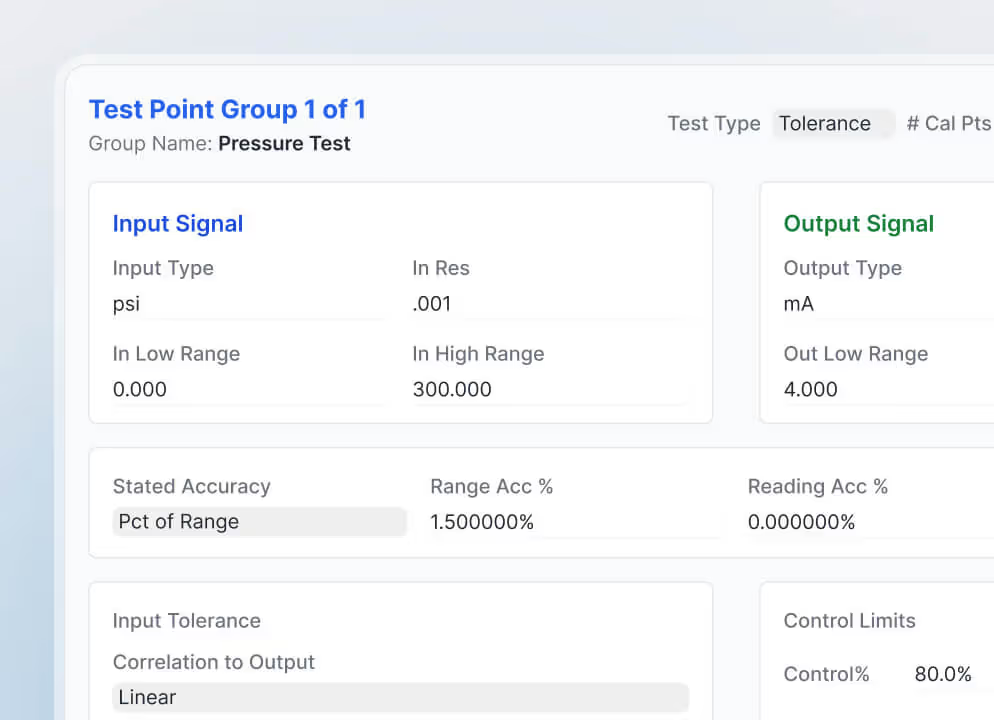

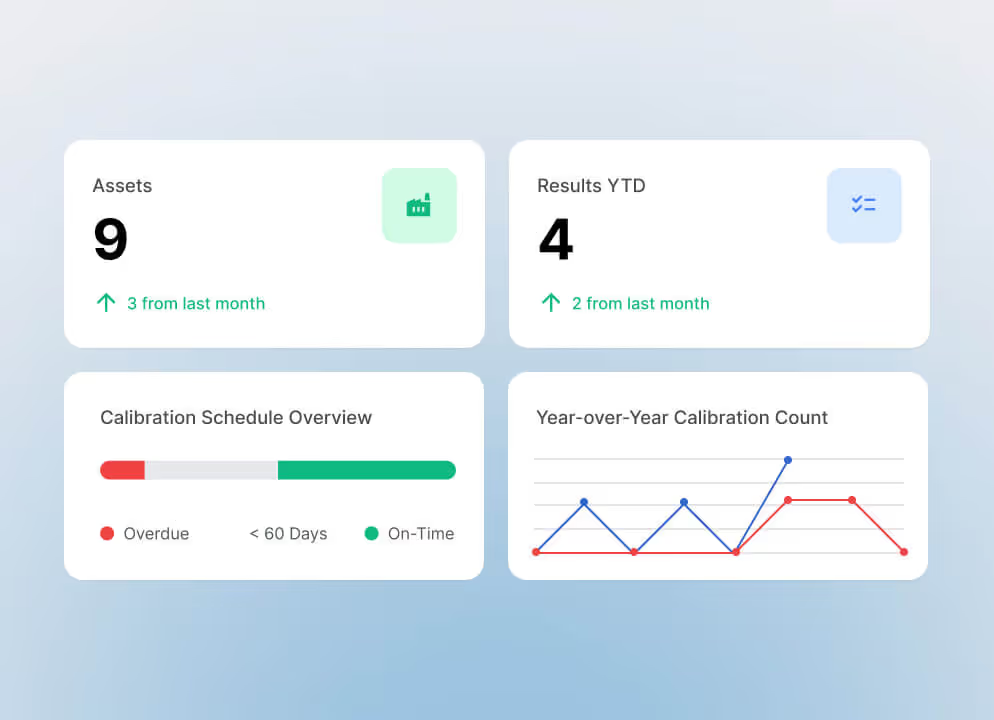

Data accuracy is the foundation of decision-making across a wide range of industries. Whether it involves ensuring patient safety in healthcare, maintaining product quality in manufacturing, or supporting research in laboratory environments, reliable data is essential. Calibration management plays a critical role in achieving this level of precision.
Calibration management software (CMS) helps organizations improve data accuracy, reduce manual errors, and streamline calibration activities. In this article, we'll explore how CMS supports more reliable calibration processes and what organizations should consider when implementing a solution.
What is calibration management software?
Calibration is the process of comparing a measurement instrument or system against a known standard to verify accuracy.
In many industries, maintaining calibrated equipment is both a quality requirement and a regulatory obligation. Traditionally, calibration has been managed through manual processes that require extensive documentation, recordkeeping, and periodic reviews.
However, manual calibration processes can create challenges such as:
- Human error
- Incomplete documentation
- Limited visibility into calibration status
- Time-consuming record management
- Increased compliance risk
Calibration management software addresses these challenges by automating many of the tasks involved in calibration management.
How CMS improves data accuracy
Automated calibration processes
One of the primary advantages of CMS is automation.
Automated calibration workflows help ensure that:
- Equipment is calibrated on schedule
- Procedures are followed consistently
- Notifications are sent when calibrations are due
- Records are captured accurately
Because fewer manual steps are required, the risk of human error is significantly reduced.
Improved data consistency
Calibration management software creates standardized processes across the organization.
This consistency helps ensure:
- Uniform calibration procedures
- Standardized documentation
- Accurate recordkeeping
- Reliable measurement data
As a result, organizations can have greater confidence in the quality of their calibration data.
Better traceability and accountability
CMS maintains a complete history of equipment calibration activities, including:
- Calibration dates
- Calibration results
- User actions
- Equipment histories
- Approval records
This level of traceability simplifies audits and supports regulatory compliance while improving accountability across the organization.
Maximizing the benefits of calibration management software
Implementing a calibration management system requires careful planning to maximize value and minimize disruption.
Selecting the right software
1. Needs assessment
Begin by identifying your organization's specific calibration requirements.
Consider:
- Equipment types
- Regulatory obligations
- Compliance requirements
- Reporting needs
- Business objectives
Understanding these requirements will help guide software selection.
2. Vendor evaluation
Evaluate potential software providers based on factors such as:
- Functionality
- Scalability
- Ease of use
- Industry experience
- Customer support
- Total cost of ownership
Selecting a vendor with a strong track record can help support long-term success.
3. Customization
Every organization operates differently.
Look for software that can be configured to support:
- Existing workflows
- Approval processes
- Reporting requirements
- Operational procedures
The best solutions adapt to your business rather than forcing you to change how you work.
Migrating existing calibration aata
1. Data transfer
Organizations with existing calibration records will need to migrate those records into the new system.
This may include:
- Current calibration records
- Asset information
- Equipment histories
- Past calibration results
Some vendors offer data migration services or tools to simplify this process.
2. Data validation
After migration, verify that all data has been transferred correctly.
Validation helps ensure:
- Complete records
- Accurate equipment histories
- Reliable calibration documentation
- Consistent reporting
Data accuracy during migration is critical to maintaining confidence in the new system.
Employee training and change management
1. Training programs
Successful implementation depends on user adoption.
Training should be provided for:
- Calibration technicians
- Administrators
- Supervisors
- Other users who interact with the system
Comprehensive training helps users utilize the software effectively and reduces implementation challenges.
2. Change management
Introducing new software often requires changes to existing processes.
Organizations should:
- Communicate the reasons for implementation
- Involve key stakeholders
- Address concerns early
- Support users throughout the transition
A well-managed change process helps improve adoption and long-term success.
Integration with existing systems
1. Assess integration requirements
Before implementation, identify systems that may need to share information with the calibration management platform.
Examples include:
- Enterprise Resource Planning (ERP) systems
- Maintenance management systems
- Laboratory Information Management Systems (LIMS)
- Asset management platforms
2. Establish data exchange processes
The calibration management software should communicate effectively with other systems to ensure consistent data flow across the organization.
3. Create data flow maps
Document how information will move between systems and define synchronization requirements to support efficient operations.
4. Perform comprehensive testing
Before going live, thoroughly test integrations to ensure:
- Accurate data transfers
- Proper synchronization
- Reliable reporting
- Consistent system behavior
5. Prioritize data security
Protecting calibration and equipment data is essential.
Organizations should ensure:
- Secure data transmission
- Appropriate user access controls
- Regulatory compliance
- Protection of sensitive information
6. Focus on user experience
Integrated systems should provide a seamless experience for users.
Simple, intuitive workflows help improve efficiency while reducing the likelihood of errors.
Calibration management software is much more than a tool for scheduling calibrations. It is a powerful solution for improving data accuracy, reducing human error, supporting compliance, and increasing operational efficiency.
By automating calibration processes, enhancing traceability, standardizing procedures, and integrating with business systems, CMS helps organizations maintain higher levels of accuracy and reliability across their operations.
Organizations that successfully implement calibration management software can improve data quality, simplify compliance efforts, reduce administrative burdens, and create a stronger foundation for data-driven decision-making.
Related resources
From ideas to impact
You’ve read the insights, now see how TMA Systems helps teams put them into practice.