



ProCalV5 Version 5.8.0.6 Released!
In this post
%20(1).avif)
Prime Technologies is pleased to announce the release of ProCalV5 version 5.8.0.6 for both SQL Server and Oracle database platforms.
This new version is now available for all on-premise ProCalV5 customers with an active support & maintenance agreement. The release will also soon become available on Prime Technologies’ cloud hosted platform, ProCal Direct, for subscription customers who wish to upgrade.
This release features several key enhancements to ProCal’s upload/download screen, which facilitates communication between the application and documenting process calibrators. Other functionality enhancements and corrections will improve user experience and satisfaction across the application.
If you are a current ProCal customer and would like to request an upgrade, please contact your account manager or submit a request to our tech support team at any time.
Read the full release notes below:
Enhancements:
S-09001 Add the ability to Filter by Department or partial ID on the Upload/Download screen:
When selecting Tags to download with the ‘Due Date’ option, Users will now be able to filter by a Department value or enter a partial ID.
S-09004 Remove the “Auto Refresh” option on the Upload/Download screen, Options tab, Download Options tab. Some customers reported that in some instances it takes too long to load the records.
S-09022 Enhance the Find option on the Calibration screen to accept a partial Item ID. Customers needed a faster way to search for Calibrations. Functionality modified to accept a partial ID.
S-09046 Improve navigation speed on the Loop screen when Company has a large number of Instrument records. Customers were experiencing long wait times when navigating on the Loop screen if the Company had a large number of Instrument records.
S-09061 Add a record count on the Upload/Download screen, Download tab. This count is for the number of Tags downloaded, (Groups) not the number of master records.
S-09067 Add additional columns of information when listing various List screens: Status, Department.
Corrections
D-02736 Users unable to Upload a Calibration if the record uses the Manual Pass/Fail TTP and a Setup message.
D-02762 URL’s that are associated with Document records or on User Defined Variables are not working.
D-02765 Data Load Utility processing records as Approved regardless of the setting.
D-02766 Data Load Utility displays the ‘hardcoded’ version numbering instead of the “.pcopts”
D-02772 Upload of an Ad-hoc calibration that is a Switch Test will not properly set some numeric values.
D-02895 mmH2O unit is incorrectly mapped in the Fluke DPC Adapter
D-02969 Finalizing a Calibration with a new Note removes Approval
D-03084 If Reminders are being built for All Companies then Advanced Queries may result in records from other Companies.
D-03085 The building of ProCal Explorer fails with a ‘typecast’ error if Item IDs have the same value as Locations
D-03086 Printer Selection has no value on the Mass Update Utility.
D-03098 Changing the ID of an Equipment record is not removing all “PCItems” references
D-03113 Work Order screen ‘Assigned Tasks’ grid isn’t displaying ‘Location’ or ‘Building’ fields
D-03120 Assign Next Cal Dates on Calibration record during upload
D-03123 Upload/DownLoad screen, Download tasks are displaying PM records twice
D-03125 Downloading By Query is Failing on PM UDVs on Upload Download Screen
S-09173 The Next Cal Date on the Calibration screen is not being updated during the Upload of Calibrations from a Calibrator

Download the eBook now
You’re all set!
Your eBook is on its way to your inbox. We hope it brings fresh insights and practical takeaways to help you get more from your maintenance operations.
Explore related resources
.avif)
.svg)
Prime Technologies is pleased to announce the release of ProCalV5 version 5.8.0.6 for both SQL Server and Oracle database platforms.
This new version is now available for all on-premise ProCalV5 customers with an active support & maintenance agreement. The release will also soon become available on Prime Technologies’ cloud hosted platform, ProCal Direct, for subscription customers who wish to upgrade.
This release features several key enhancements to ProCal’s upload/download screen, which facilitates communication between the application and documenting process calibrators. Other functionality enhancements and corrections will improve user experience and satisfaction across the application.
If you are a current ProCal customer and would like to request an upgrade, please contact your account manager or submit a request to our tech support team at any time.
Read the full release notes below:
Enhancements:
S-09001 Add the ability to Filter by Department or partial ID on the Upload/Download screen:
When selecting Tags to download with the ‘Due Date’ option, Users will now be able to filter by a Department value or enter a partial ID.
S-09004 Remove the “Auto Refresh” option on the Upload/Download screen, Options tab, Download Options tab. Some customers reported that in some instances it takes too long to load the records.
S-09022 Enhance the Find option on the Calibration screen to accept a partial Item ID. Customers needed a faster way to search for Calibrations. Functionality modified to accept a partial ID.
S-09046 Improve navigation speed on the Loop screen when Company has a large number of Instrument records. Customers were experiencing long wait times when navigating on the Loop screen if the Company had a large number of Instrument records.
S-09061 Add a record count on the Upload/Download screen, Download tab. This count is for the number of Tags downloaded, (Groups) not the number of master records.
S-09067 Add additional columns of information when listing various List screens: Status, Department.
Corrections
D-02736 Users unable to Upload a Calibration if the record uses the Manual Pass/Fail TTP and a Setup message.
D-02762 URL’s that are associated with Document records or on User Defined Variables are not working.
D-02765 Data Load Utility processing records as Approved regardless of the setting.
D-02766 Data Load Utility displays the ‘hardcoded’ version numbering instead of the “.pcopts”
D-02772 Upload of an Ad-hoc calibration that is a Switch Test will not properly set some numeric values.
D-02895 mmH2O unit is incorrectly mapped in the Fluke DPC Adapter
D-02969 Finalizing a Calibration with a new Note removes Approval
D-03084 If Reminders are being built for All Companies then Advanced Queries may result in records from other Companies.
D-03085 The building of ProCal Explorer fails with a ‘typecast’ error if Item IDs have the same value as Locations
D-03086 Printer Selection has no value on the Mass Update Utility.
D-03098 Changing the ID of an Equipment record is not removing all “PCItems” references
D-03113 Work Order screen ‘Assigned Tasks’ grid isn’t displaying ‘Location’ or ‘Building’ fields
D-03120 Assign Next Cal Dates on Calibration record during upload
D-03123 Upload/DownLoad screen, Download tasks are displaying PM records twice
D-03125 Downloading By Query is Failing on PM UDVs on Upload Download Screen
S-09173 The Next Cal Date on the Calibration screen is not being updated during the Upload of Calibrations from a Calibrator
Register for your free webinar
You’re all set!
Your webinar is on its way to your inbox. We hope it brings fresh insights and practical takeaways to help you get more from your maintenance operations.
Explore related resources
.svg)
.svg)

.avif)
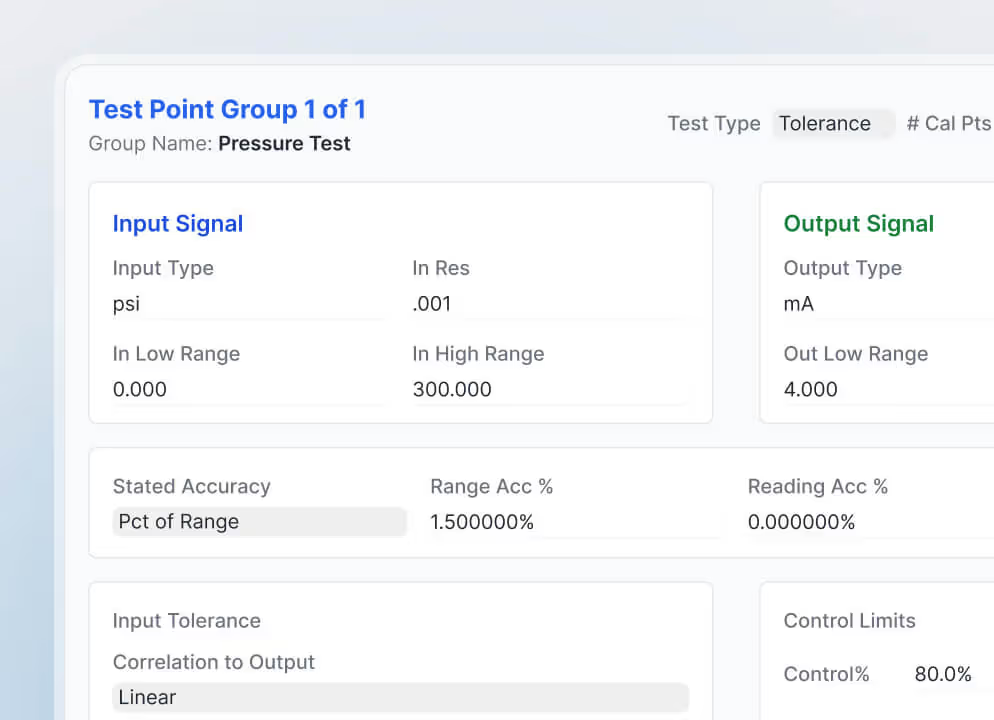

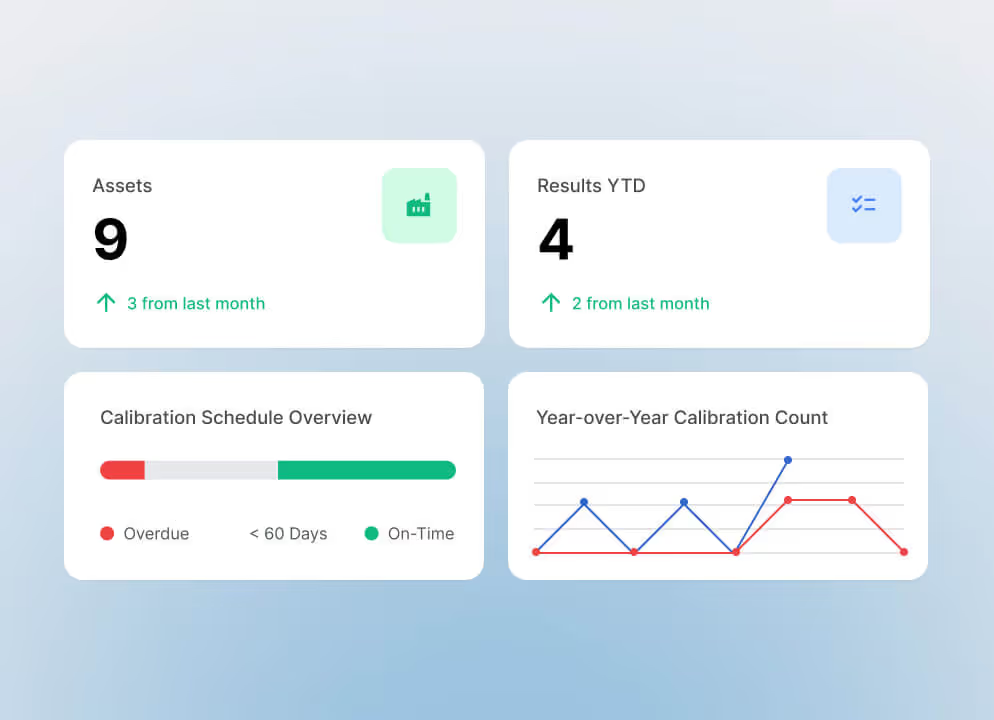
Prime Technologies is pleased to announce the release of ProCalV5 version 5.8.0.6 for both SQL Server and Oracle database platforms.
This new version is now available for all on-premise ProCalV5 customers with an active support & maintenance agreement. The release will also soon become available on Prime Technologies’ cloud hosted platform, ProCal Direct, for subscription customers who wish to upgrade.
This release features several key enhancements to ProCal’s upload/download screen, which facilitates communication between the application and documenting process calibrators. Other functionality enhancements and corrections will improve user experience and satisfaction across the application.
If you are a current ProCal customer and would like to request an upgrade, please contact your account manager or submit a request to our tech support team at any time.
Read the full release notes below:
Enhancements:
S-09001 Add the ability to Filter by Department or partial ID on the Upload/Download screen:
When selecting Tags to download with the ‘Due Date’ option, Users will now be able to filter by a Department value or enter a partial ID.
S-09004 Remove the “Auto Refresh” option on the Upload/Download screen, Options tab, Download Options tab. Some customers reported that in some instances it takes too long to load the records.
S-09022 Enhance the Find option on the Calibration screen to accept a partial Item ID. Customers needed a faster way to search for Calibrations. Functionality modified to accept a partial ID.
S-09046 Improve navigation speed on the Loop screen when Company has a large number of Instrument records. Customers were experiencing long wait times when navigating on the Loop screen if the Company had a large number of Instrument records.
S-09061 Add a record count on the Upload/Download screen, Download tab. This count is for the number of Tags downloaded, (Groups) not the number of master records.
S-09067 Add additional columns of information when listing various List screens: Status, Department.
Corrections
D-02736 Users unable to Upload a Calibration if the record uses the Manual Pass/Fail TTP and a Setup message.
D-02762 URL’s that are associated with Document records or on User Defined Variables are not working.
D-02765 Data Load Utility processing records as Approved regardless of the setting.
D-02766 Data Load Utility displays the ‘hardcoded’ version numbering instead of the “.pcopts”
D-02772 Upload of an Ad-hoc calibration that is a Switch Test will not properly set some numeric values.
D-02895 mmH2O unit is incorrectly mapped in the Fluke DPC Adapter
D-02969 Finalizing a Calibration with a new Note removes Approval
D-03084 If Reminders are being built for All Companies then Advanced Queries may result in records from other Companies.
D-03085 The building of ProCal Explorer fails with a ‘typecast’ error if Item IDs have the same value as Locations
D-03086 Printer Selection has no value on the Mass Update Utility.
D-03098 Changing the ID of an Equipment record is not removing all “PCItems” references
D-03113 Work Order screen ‘Assigned Tasks’ grid isn’t displaying ‘Location’ or ‘Building’ fields
D-03120 Assign Next Cal Dates on Calibration record during upload
D-03123 Upload/DownLoad screen, Download tasks are displaying PM records twice
D-03125 Downloading By Query is Failing on PM UDVs on Upload Download Screen
S-09173 The Next Cal Date on the Calibration screen is not being updated during the Upload of Calibrations from a Calibrator


Related resources
Related resources
You’ve seen what’s possible—connect with us to learn how TMA Systems can support your goals beyond the event.
You’ve read the insights, now see how TMA Systems helps teams put them into practice.


From ideas to impact
You’ve read the insights, now see how TMA Systems helps teams put them into practice.
From screen to solution
You’ve watched what’s possible, now see how TMA Systems works for your organization.
From results to reality
You’ve seen the success, now discover how TMA Systems can deliver it for your team.
From insight to implementation
You’ve explored the strategies, now see how we can bring them to life across your real facilities.
From insight to implementation
You’ve explored the strategies, now see how we can bring them to life across your real facilities.