
Hospital preventive maintenance software: How to keep critical assets on track
In this post
%20(1).avif)







Hospital maintenance teams are responsible for keeping everything from medical equipment and life-safety systems to HVAC, electrical infrastructure, and emergency power operating reliably. That responsibility is becoming harder to manage as facilities age and maintenance workloads grow. ASHE has estimated that U.S. healthcare facilities collectively face more than $390 billion in deferred maintenance, while 64% of respondents to its 2024 Hospital Operations Survey said their staffing needs had increased over the previous three years.
Hospital preventive maintenance software, including CMMS and enterprise asset management platforms, helps facilities and healthcare technology management (HTM) teams manage these competing priorities by scheduling recurring maintenance, generating and tracking work orders, maintaining asset histories, and documenting completed work. Instead of relying on disconnected spreadsheets, paper records, or systems, teams can keep maintenance activity and the information behind it organized around the assets they manage.
The right preventive maintenance software should fit the hospital’s assets, risk levels, compliance requirements, and maintenance workflows. This guide explains what to look for in hospital facility management software and how to build a preventive maintenance program around the needs of your facility.
How hospital preventive maintenance software keeps critical assets on track
Hospital preventive maintenance software helps facilities and healthcare technology management (HTM) teams schedule, assign, track, and document recurring maintenance across hospital assets. A CMMS or EAM typically serves as the core system for managing preventive maintenance, work orders, asset histories, and maintenance documentation. Hospitals may also use specialized software alongside the CMMS or EAM for needs such as medical equipment management, calibration, or building-system alarm management.
In practice, a scheduled PM can generate a work order with the appropriate procedures and asset information. Once the work is complete, the technician’s findings and related documentation become part of the asset’s maintenance history. Supervisors can use that data to track upcoming and overdue work, review completion rates, and retrieve records when needed.
Spreadsheets and paper logs capture individual tasks and leave teams responsible for connecting schedules, work orders, asset histories, and supporting documentation. Dedicated hospital maintenance software keeps those records tied to the asset and maintenance activity.
The assets included depend on how the hospital divides responsibility. HTM teams may manage clinical equipment and medical devices, while facilities teams oversee HVAC systems, electrical, emergency power, plumbing, and life-safety systems. Consistent PM management becomes especially important when equipment availability, documentation, and regulatory compliance requirements all affect hospital operations.
Why preventive maintenance is critical for hospital operations
Hospital preventive maintenance has to balance asset reliability, patient care, compliance, and limited maintenance resources. When critical clinical equipment or facility systems fall behind on required maintenance, the impact can extend beyond the maintenance department to hospital operations.
- Patient safety and operational continuity: A failed generator, HVAC component, medical device, or life-safety system can disrupt patient care, close rooms, take critical systems out of service, or lead to emergency repairs. Preventive maintenance helps teams address known service needs before those failures occur.
- Survey and compliance documentation: Hospitals need records that show required inspections, testing, and maintenance were completed. When a surveyor asks about a specific asset, teams should be able to retrieve its maintenance history, completion dates, findings, and supporting documentation without piecing information together from multiple sources.
- Aging infrastructure and deferred maintenance: The scale of deferred work puts more pressure on maintenance teams to make deliberate decisions about where limited labor and funding go. In HFM Magazine's 2024 Hospital Operations Survey, 80% of respondents identified aging facilities and infrastructure as a leading concern.
- Clinical and facility asset complexity: A hospital's maintenance program can span medical equipment, air-handling systems, electrical infrastructure, plumbing, generators, fire and life-safety systems, and other building assets. Each may have different service requirements, risk levels, owners, and documentation needs.
Managing these requirements across hundreds or thousands of assets requires a consistent way to prioritize work, keep preventive maintenance on schedule, and maintain complete records. Preventive maintenance software gives hospitals the structure and visibility to manage that work at scale.

How to choose hospital preventive maintenance software
Hospital preventive maintenance software should support the full maintenance process, including asset management, PM scheduling and work orders, compliance documentation, mobile maintenance, reporting, and implementation. Evaluate each platform against the assets your teams manage, the workflows they follow, and the records they need to maintain.
Facilities, HTM, IT, and other stakeholders can use the framework below to compare platforms against the same operational requirements.
Centralized asset and maintenance records
Start with the asset record. Teams should be able to see an asset’s location, maintenance history, condition, criticality, documentation, and open work without searching across systems. For facilities, that might mean tracing repairs and PM history for an air handler before deciding whether to repair or replace it. That history can also support capital planning by identifying assets with rising maintenance costs or recurring failures. For larger organizations, enterprise asset management software such as WebTMA can centralize asset and maintenance information across buildings, campuses, and departments, while MEX provides a more streamlined CMMS for teams with less complex maintenance operations.
Flexible PM scheduling and work order automation
Hospital assets can have very different maintenance requirements. Look for preventive maintenance software that can accommodate different scheduling triggers and generate recurring work orders with the correct procedures, priority, asset information, and assignment.
The system should also make exceptions easy to manage. If a task becomes overdue or an asset is unavailable when work is scheduled, supervisors need to see the issue, document what happened, and determine the next action.
Medical equipment may also be subject to manufacturer recommendations, regulatory requirements, risk classifications, or an approved alternative equipment maintenance (AEM) strategy. For HTM teams managing these requirements, healthcare-specific software such as HEMS can support medical equipment maintenance and AEM workflows.
Compliance-ready maintenance documentation
Look for a CMMS or EAM that keeps maintenance documentation connected to the asset and work performed. A completed work order should establish what was required, what was performed, when the work occurred, who completed it, and any findings or follow-up actions. This gives teams an accessible maintenance history they can use for internal reviews, surveys, and audits.
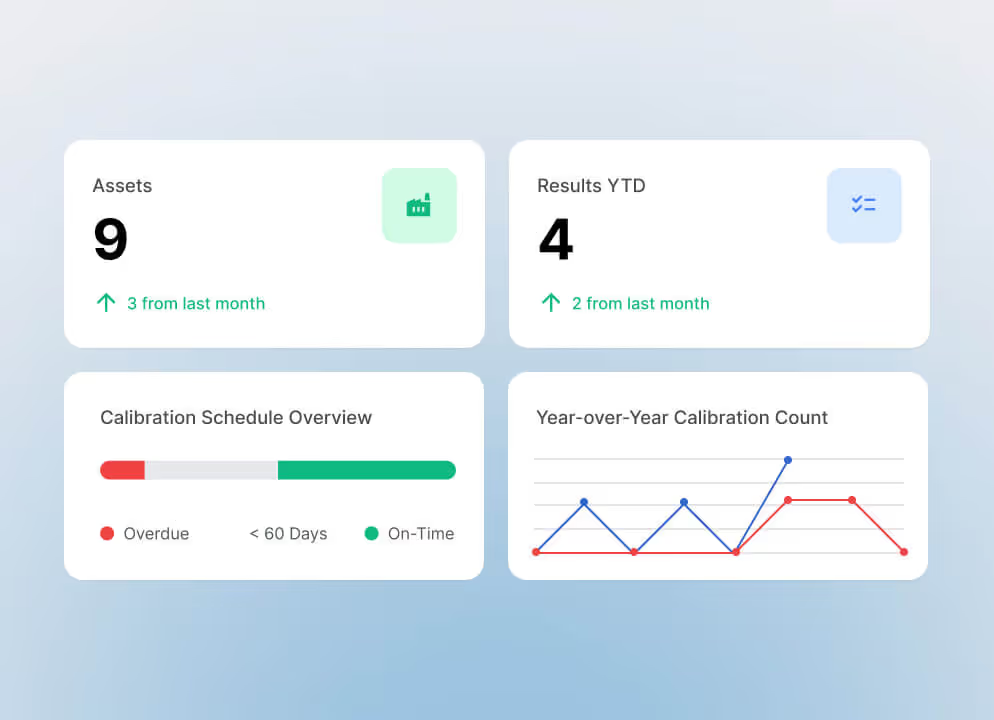
For equipment that requires calibration, documentation may also include calibration histories, certificates, and test results. Specialized calibration management software such as ProCal and ProCalX can complement the CMMS or EAM by helping teams manage these specialized records and maintain traceability.
That recordkeeping matters because Joint Commission requirements address the hospital’s responsibility to maintain essential equipment in safe operating conditions and manage utility systems. A CMMS with compliance tracking capabilities can help teams document required maintenance activities and keep supporting evidence accessible. The hospital remains responsible for determining and meeting applicable requirements.
Mobile access for maintenance teams
Look for a CMMS or EAM that gives maintenance technicians access to the information and workflows they need while working throughout the hospital. From a mobile device, technicians should be able to review assigned work orders, procedures, asset histories, and equipment information at the point of service, as well as update work status, document findings, add notes or photos, and record completed maintenance.
Mobile access can help keep maintenance records current while giving supervisors better visibility into work being performed across patient care areas, mechanical rooms, utility spaces, and multiple buildings or campuses.
Connectivity also matters. If technicians regularly work in areas with unreliable connectivity, evaluate whether the preventive maintenance software provides the offline access their workflows require and can sync updates once a connection is restored.
Reporting and performance visibility
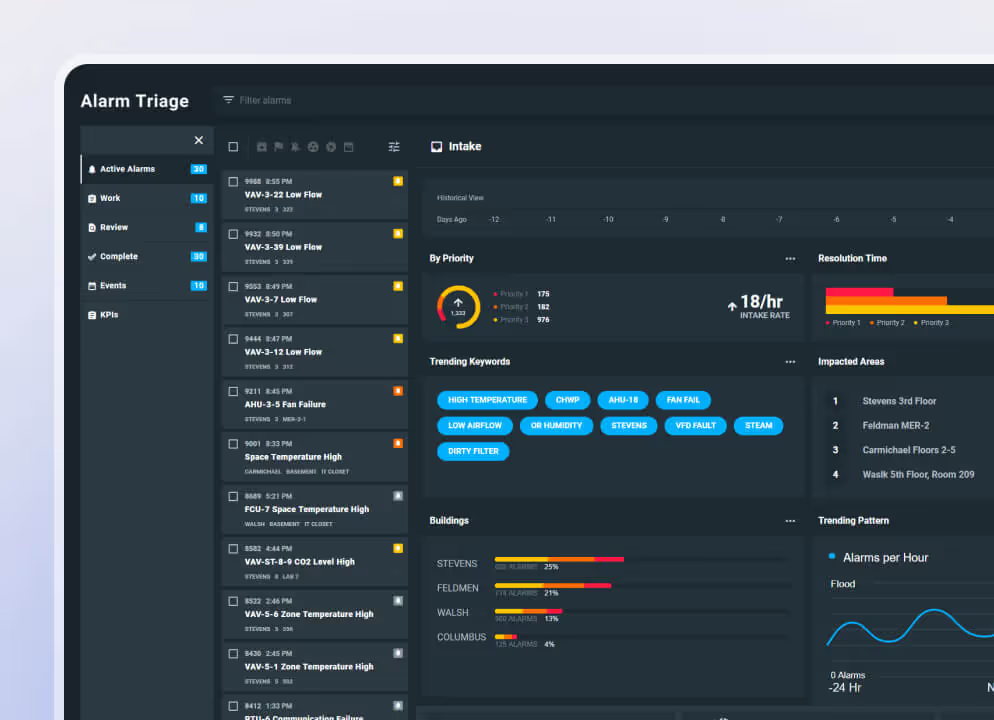
Reporting should help leaders identify work that needs attention and make decisions about staffing, schedules, assets, and future investment. Useful measures may include PM completion rates, overdue work, time to close, equipment failures, backlog, repeat repairs, and downtime for critical infrastructure. For hospitals that also need visibility into building-system alarms, complementary tools such as Virtual Facility can help teams prioritize high-impact events and identify recurring issues.
Healthcare facilities teams already use these measures. In ASHE’s 2024 Hospital Operations Survey, 72% of respondents said they track and benchmark maintenance activities. Respondents cited work order and PM counts, completion rates, time to close, forecasted PM, equipment failure rates, and unscheduled downtime among the measures used to manage resources and support investment decisions.
Implementation, training, and support
Ask vendors how they will migrate existing asset histories and PM records, which systems they can integrate with, how they manage permissions, and what resources the hospital will need during implementation. IT should review deployment and data security requirements early enough to identify issues before configuration begins.
Training should reflect how each role uses the system. Technicians, supervisors, planners, and administrators have different responsibilities, so ask what role-based training and ongoing support is included. A structured approach to training hospital maintenance staff on a CMMS can help teams build system use into their day-to-day maintenance workflows.
With the technology requirements defined, hospitals can focus on how assets are classified, prioritized, scheduled, and reviewed within the PM program.
How to set up a hospital preventive maintenance program
Preventive maintenance software provides the structure for schedules and records. The PM program defines which assets are included, who owns the work, how maintenance requirements are established, and how exceptions are handled. The four steps below provide a practical approach across clinical and facility assets.
Step 1: Inventory and classify assets
Start with an asset inventory your teams can trust. For each asset included in the PM program, capture the information needed to identify it and make maintenance decisions, such as asset type, location, manufacturer and model, service history, responsible department, and applicable maintenance requirements.
The structure should reflect who owns the work. HTM may be responsible for medical equipment while facilities manage HVAC, electrical distribution, emergency power, medical gas, plumbing, and other infrastructure. Joint Commission requirements recognize many of these utility systems as essential or critical to providing care, treatment, and services.
Step 2: Prioritize by risk and criticality
Use the inventory to determine where maintenance carries the greatest operational or patient impact. Consider the consequences of asset failure, available backup capacity, the asset’s role in patient care, its maintenance history, and applicable regulatory requirements.
For eligible medical equipment, an AEM program may allow the hospital to use a maintenance strategy that differs from the manufacturer's recommendations when applicable requirements are met. Base AEM decisions on risk, equipment history, supporting evidence, and the hospital's approved policies.
Step 3: Build PM schedules and assign work
Turn those requirements into recurring work technicians can execute. Each PM should have a defined frequency, procedure, responsible team or technician, and enough asset information to complete the task correctly. Schedules may draw from manufacturer recommendations, regulatory requirements, hospital policies, asset risk, and approved AEM strategies where applicable. Where the platform supports it, automated scheduling can generate recurring work orders and route them to the appropriate technician or team.
Define the process for work that can't be completed as scheduled. An asset may be in use, inaccessible, or temporarily out of service. Establish how overdue PMs are flagged, reviewed, escalated, and documented so exceptions remain visible.
Step 4: Document, report, and improve
Capture when the work was performed, who completed it, what was found, required readings or test results, and any follow-up work generated by the inspection.
Maintenance history can inform reviews of PM completion, overdue work, failure patterns, backlog, and repeat repairs. Accessible records also support survey preparation and internal reviews.
A hospital PM program should evolve with its equipment, risks, maintenance requirements, and operating conditions. Regular reviews keep schedules and priorities aligned with what teams see in the field.
How TMA Systems supports hospital preventive maintenance
TMA Systems offers CMMS, enterprise asset management software, and specialized maintenance solutions for different needs across the healthcare industry. Hospitals can select a core maintenance platform based on their teams, assets, and operational complexity, then extend it with specialized tools for areas such as alarm intelligence and calibration management.
- WebTMA provides configurable CMMS/EAM capabilities for complex enterprise environments. Hospitals can use it to manage facility infrastructure, preventive and corrective maintenance, asset histories, and maintenance activity across departments, buildings, or campuses.
- HEMS is a healthcare-specific CMMS built for HTM and clinical engineering teams managing medical equipment. It supports preventive maintenance, AEM workflows, equipment histories, compliance documentation, reporting, and lifecycle management.
- MEX provides a streamlined CMMS for less complex maintenance operations, with capabilities for work orders, preventive maintenance, asset management, inspections, and reporting.
- Virtual Facility complements CMMS and EAM software with alarm intelligence, connecting building systems and sensors to help facilities teams prioritize alarms and turn validated alerts into maintenance work orders.
- ProCal and ProCalX complement CMMS and EAM software with specialized calibration management, helping teams manage calibration schedules, histories, certificates, audit trails, and other traceable calibration records.
The right combination depends on the hospital’s maintenance priorities, operational complexity, and the assets and workflows each team manages. Contact TMA Systems to discuss your environment or request a personalized demo to explore the solutions that fit your hospital’s maintenance program.
FAQs about hospital preventive maintenance software
Related resources
From ideas to impact
You’ve read the insights, now see how TMA Systems helps teams put them into practice.