
When calibration management software replaces spreadsheets
In this post
%20(1).avif)

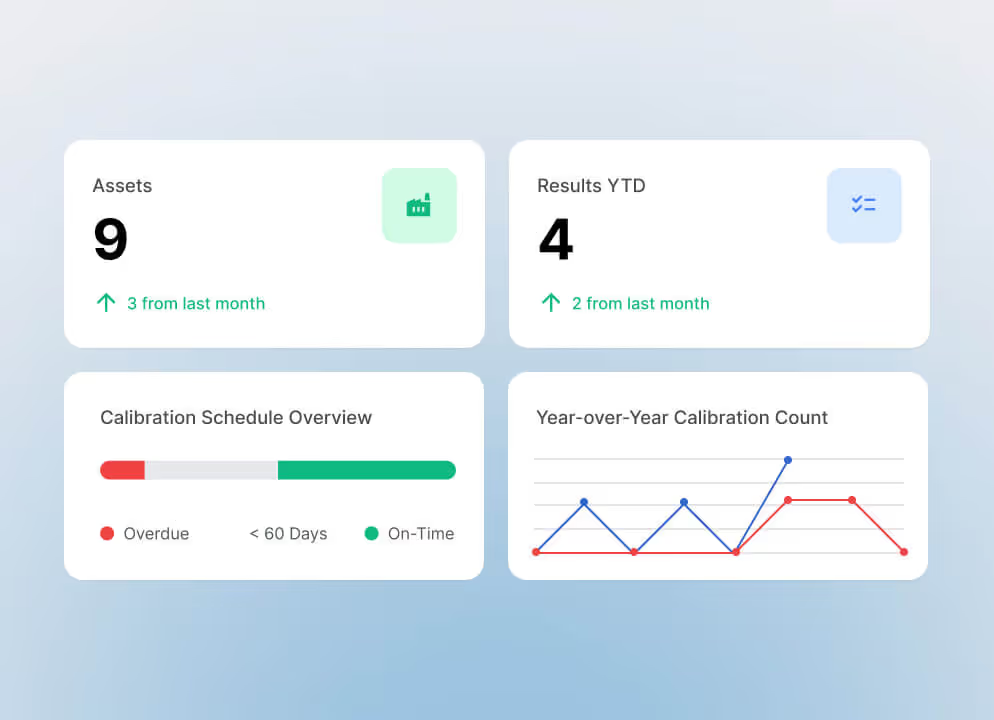

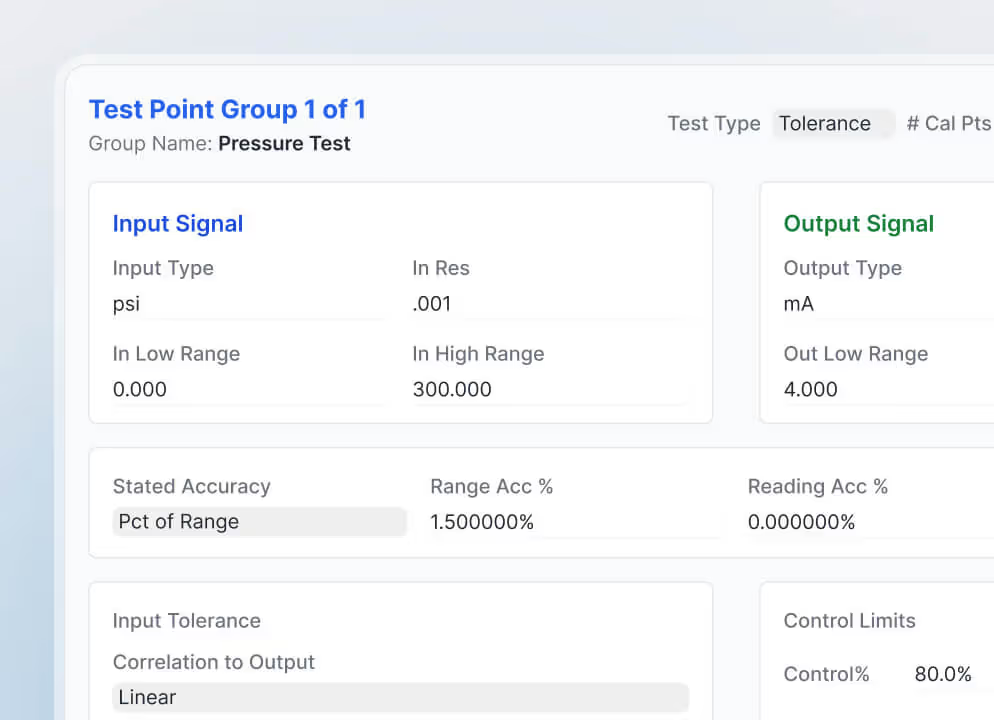

Spreadsheets are often the first tool organizations use to manage calibration. They are familiar, inexpensive, and flexible enough to track a small number of instruments, due dates, and service records. For a time, they may be all a calibration team needs.
But calibration programs rarely remain simple. As instrument inventories grow, more technicians become involved, operations expand across departments or locations, and regulatory requirements become more demanding. Over time, what began as a manageable spreadsheet can evolve into a collection of disconnected files, manual reminders and time-consuming workarounds.
The question is not whether spreadsheets are useful. It is whether they can continue to provide the control, traceability and visibility your calibration program now requires.
Here are eight of the clearest signs that it may be time to move to a dedicated calibration management software.
1. Keeping calibration schedules current is becoming difficult
A spreadsheet can list calibration intervals and due dates, but it still depends on someone to monitor those dates, identify upcoming work, and notify the appropriate technician.
As the number of instruments increases, this becomes harder to manage. Dates may be entered incorrectly; rows may not be updated after work is completed, and overdue calibrations can remain unnoticed. Different departments may also maintain their own files, making it difficult to establish one reliable view of the schedule.
Calibration management software replaces manual tracking with structured scheduling. Instruments can be assigned defined calibration frequencies, upcoming work can be surfaced automatically, and teams can see what is due, overdue or completed without sorting through multiple spreadsheets.

2. Your team spends too much time entering the same information
Manual data entry is one of the biggest limitations of spreadsheet-based calibration management.
Technicians may record results in the field, transfer those results into a spreadsheet, and then enter the same information into a certificate, report, or maintenance system. Every additional entry takes time and creates another opportunity for transcription errors.
This is particularly important when technicians use documenting process calibrators. If readings must still be manually transferred from the calibrator into a spreadsheet, the organization is not receiving the full efficiency or accuracy those devices can provide.
A connected calibration platform can upload results directly from compatible calibrators, reducing repetitive work, and helping protect the integrity of the data.
3. Finding calibration records has become a project of its own
When an auditor, quality manager or customer asks for an instrument’s calibration history, how quickly can your team provide it?
With spreadsheets, records may be scattered across files, folders, email inboxes, and paper archives. Finding a complete history can depend on how each item was named, where it was stored, and who knows where to look, adding pressure during audits and limiting the information available for maintenance or replacement decisions.
Calibration management software brings instrument records, results, certificates and work history into one controlled system, making a complete record easier to retrieve.
4. Multiple versions of the truth are circulating
Because spreadsheets are easy to copy, download and share, local, share-drive and emailed versions can quickly fall out of sync. Teams may not know which file is current or which information has been approved.
In regulated or quality-sensitive operations, records must be accurate, controlled, and protected from unauthorized changes. A centralized calibration platform gives approved users access to the same current information while managing roles and permissions.
5. Your approval process relies on email and memory
Calibration results often require review before a record is complete. In a spreadsheet-based process, emails, verbal reminders, or manually updated status columns may be the only way to route the work and track its approval.
As activity increases, reviews can be missed or delayed. Dedicated software routes completed results through a defined approval process, shows what is still pending and helps ensure that exceptions receive attention consistently across technicians and locations.
6. Out-of-tolerance results are difficult to identify and act on
An out-of-tolerance result may affect more than a single instrument. The organization may need to determine when the instrument began operating outside acceptable limits, what processes or products could have been affected, and what corrective action is required.
A spreadsheet may record the result, but it does not necessarily alert the right people or connect the event to the instrument’s broader history. Important follow-up can depend on someone recognizing the issue and starting a separate investigation.
Modern calibration management software can flag results that fall outside specifications as soon as they are entered. This allows quality, reliability, and maintenance teams to respond earlier and with better information.
7. You cannot see calibration performance across the organization
Spreadsheets generally show individual records. They are less effective at revealing the larger picture.
Leaders may struggle to answer basic questions:
- How many calibrations are overdue?
- Which locations have the greatest backlog?
- Are certain instruments repeatedly failing?
- Where are out-of-tolerance events increasing?
- How consistently are teams completing assigned work?
Without clear reporting and trend information, calibration becomes reactive. Teams focus on completing the next task rather than identifying opportunities to improve the program.
Dashboards and reporting tools turn calibration records into operational insights. Supervisors can monitor performance across instruments, teams, and sites while identifying problems before they begin affecting production or compliance.
8. Growth is making the existing process harder to sustain
A spreadsheet that works for 50 instruments may not work for 500. A process that works at one facility may become inconsistent when extended across five.
Growing programs must manage larger inventories, more users, additional locations, and different approval requirements. Manually adding records one at a time or maintaining separate files for each site creates more administrative work precisely when the organization needs greater consistency.
Calibration management software provides a structure that can grow with the program. Asset-import tools, configurable schedules, mass updates, and standardized workflows make it easier to expand without multiplying manual processes.
Moving beyond spreadsheets does not mean giving up flexibility
Organizations sometimes hesitate to replace spreadsheets because they fear that a dedicated system will impose a rigid process or make information harder to access.
A modern calibration platform should do the opposite. It should preserve the practical flexibility teams need while adding stronger scheduling, traceability, oversight and reporting.
ProCalX, for example, brings instruments, schedules, results, and reports together in a cloud-based calibration management platform. It supports direct data capture from Fluke Documenting Process Calibrators, approval of workflows, out-of-tolerance alerts, configurable scheduling, and user roles. Integration services can connect ProCalX with CMMS, EAM, ERP, and LIMS platforms.
The goal is not simply to digitize a spreadsheet. It is to create a connected calibration process in which information moves reliably from planning through execution, review, and reporting.
Is your spreadsheet still serving the program, or is the program serving the spreadsheet?
Spreadsheets remain useful tools, but there is a point at which maintaining them requires more effort than they save.
If your team is spending increasing amounts of time reconciling files, entering results, tracking approvals, preparing audits or determining which information is current, the limitations of the process are already affecting the program.
Replacing spreadsheets with a calibration management software is not only a technology decision. It is an opportunity to reduce manual work, strengthen control, and give technicians, supervisors, and quality teams greater confidence in every calibration record.
Related resources
From ideas to impact
You’ve read the insights, now see how TMA Systems helps teams put them into practice.